Review together. Keep the production moving.
Bring cuts, frame notes, calls, and final files into one shared workspace. Your team keeps the project organized. Clients open a Share Link and get straight to the work.
Private beta · Personal onboarding · No card to request access
Built in Hamburg · EU-hosted
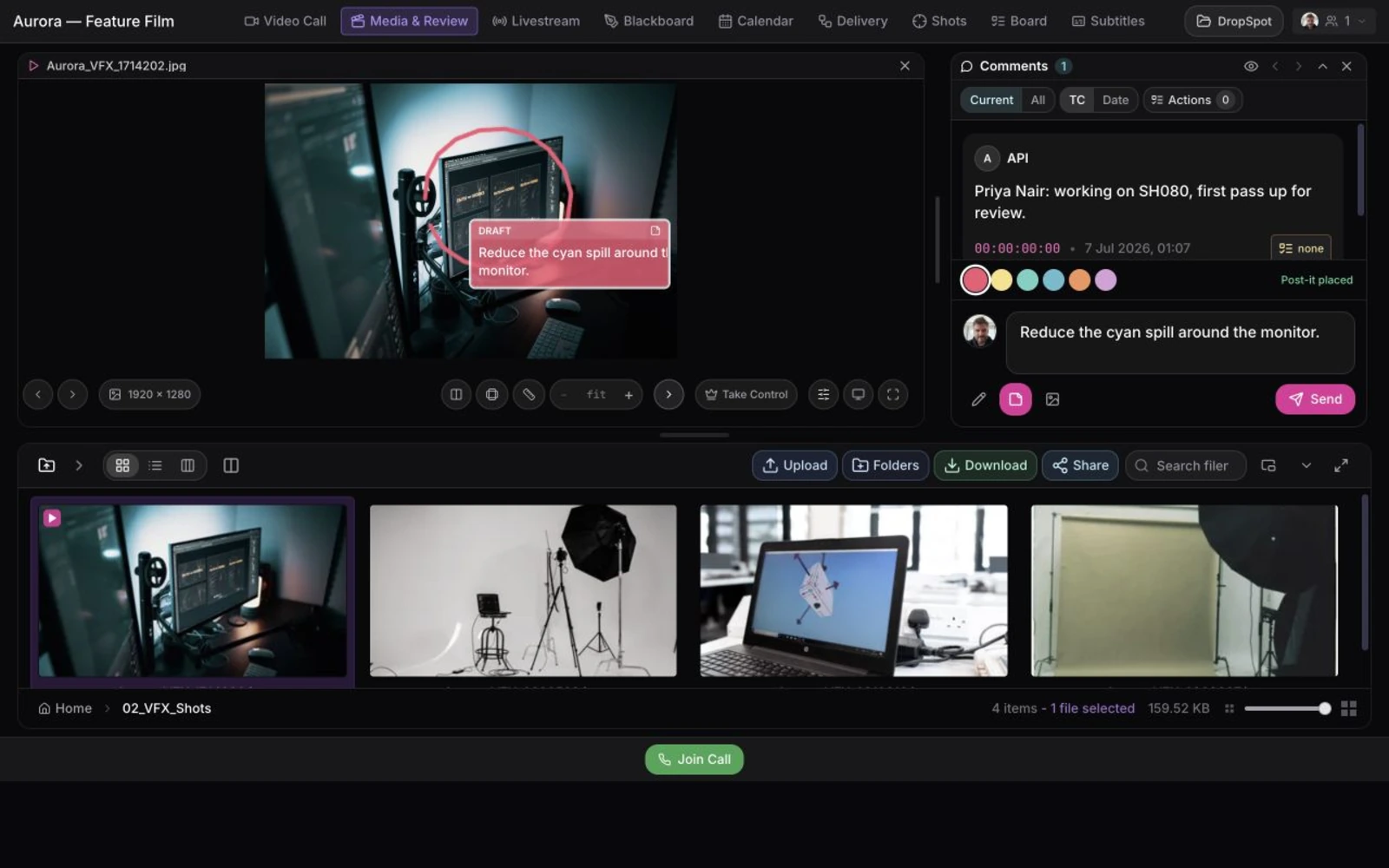
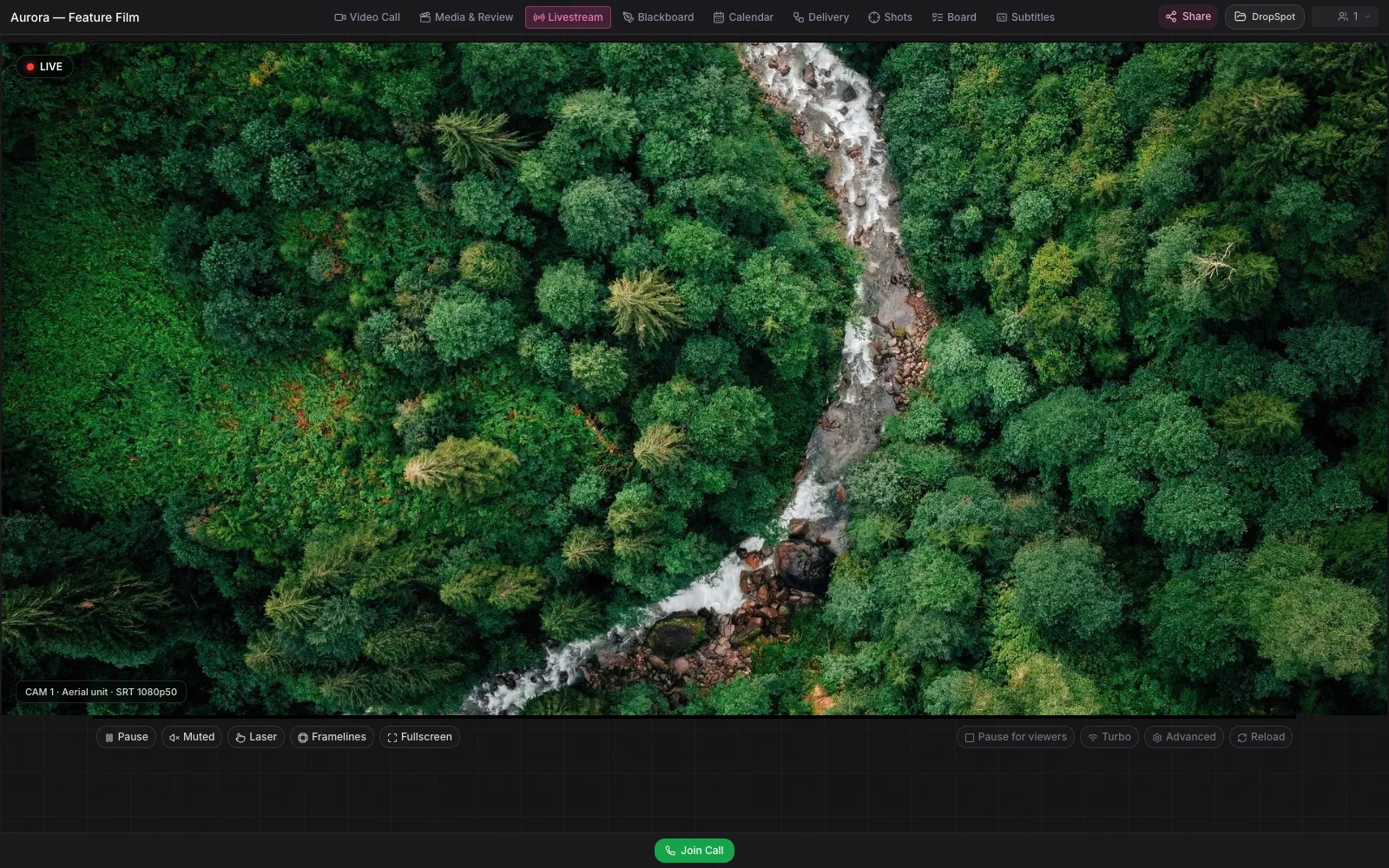
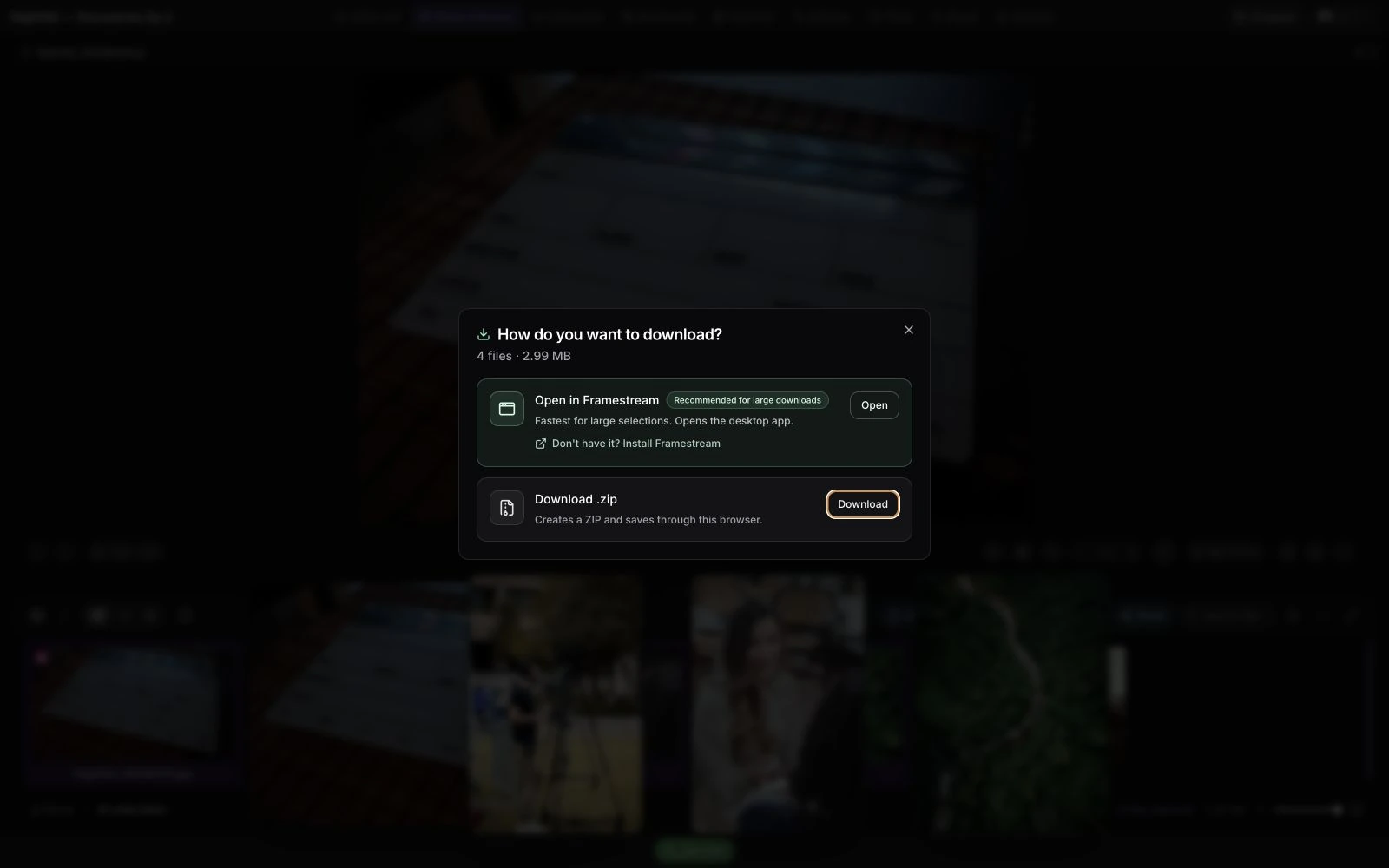
Frame notes, drawings, and post-its stay attached to the work.
How it works
From first review to final delivery.
Start with a room, add only the tools the production needs, and keep every stakeholder in the same context from kickoff to handoff.
01
Set up your room
Add the cuts, files, and tools your project needs. Keep everything in one place.
02
Bring everyone in
Invite your team. Give clients a Share Link with the pages and permissions they need.
03
Review and deliver
Review together or leave frame notes for later. Keep revisions and final files beside the conversation.
Producers · Artists · Technical
One workspace. A useful view for everyone.
The same workspace stays simple for the person running the review and still goes deep for the people doing the craft.
Producers
One link. One room. One source of truth.
Run reviews, share one link, and keep every note and file in the room — without chasing people across five tools.
- Clear room access and team membership
- Calls with up to 30 people on every plan
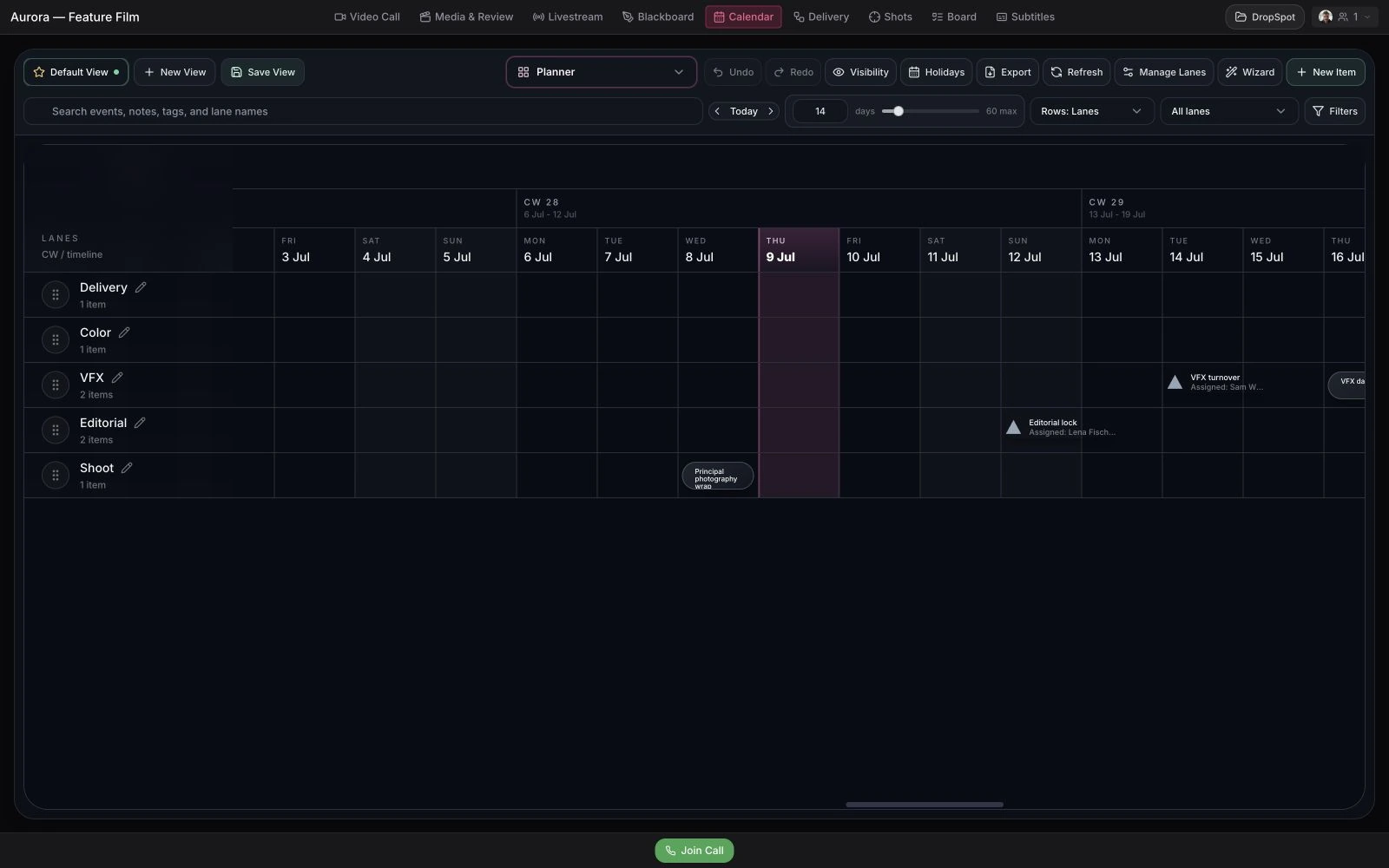
- Delivery, calendar, board, blackboard, and exports
- Fewer version and permission questions
- Grows into Team once you're running more than one production
Artists
Stay in the frame. Stay in the flow.
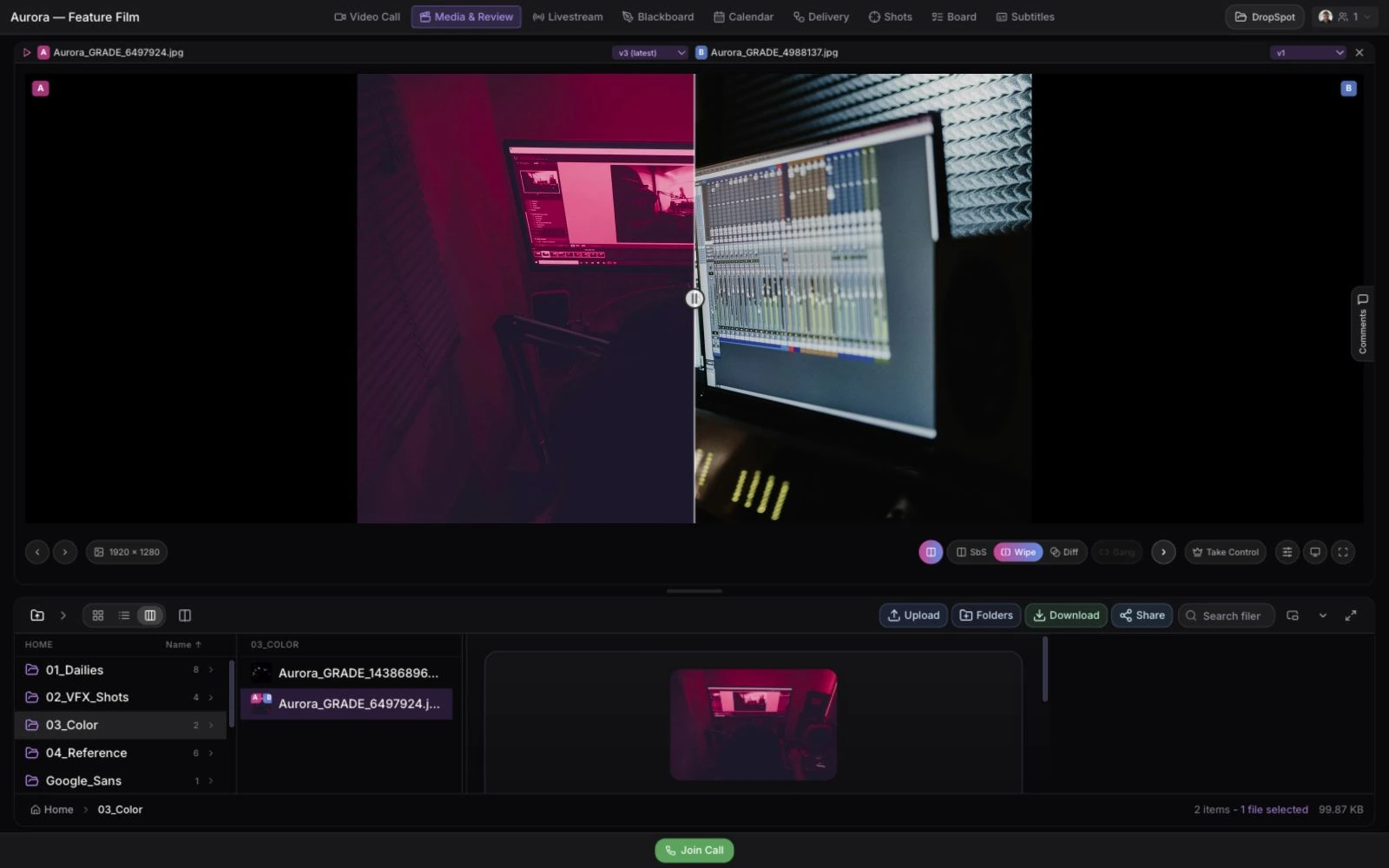
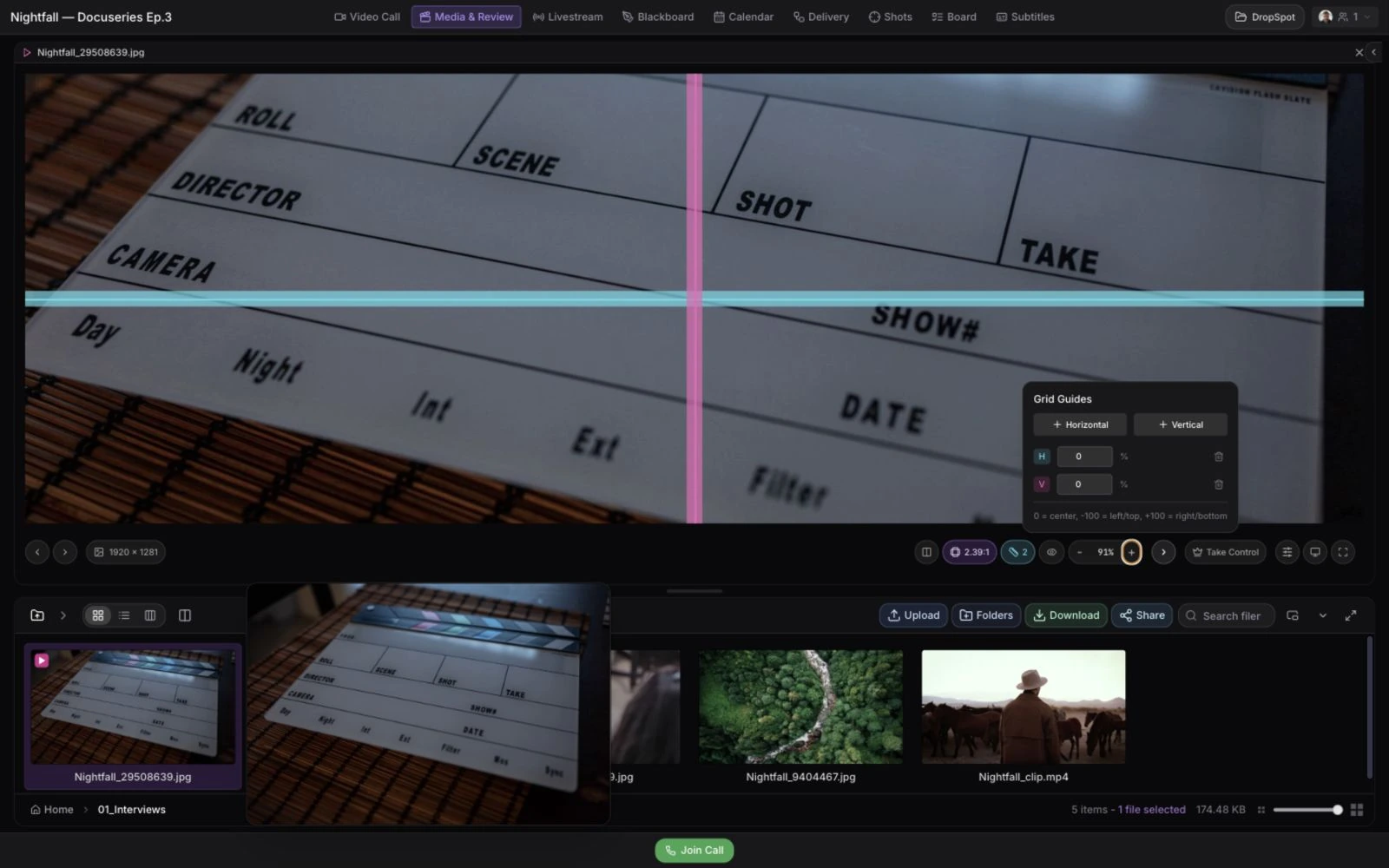
Review frame-accurately, compare versions, and draw notes right on the frame — every comment stays pinned to the media, never lost in a thread.
- Frame-accurate comments and annotations
- Version stacking and compare workflows
- Synced review sessions across the room
- Recordings when a session needs a record
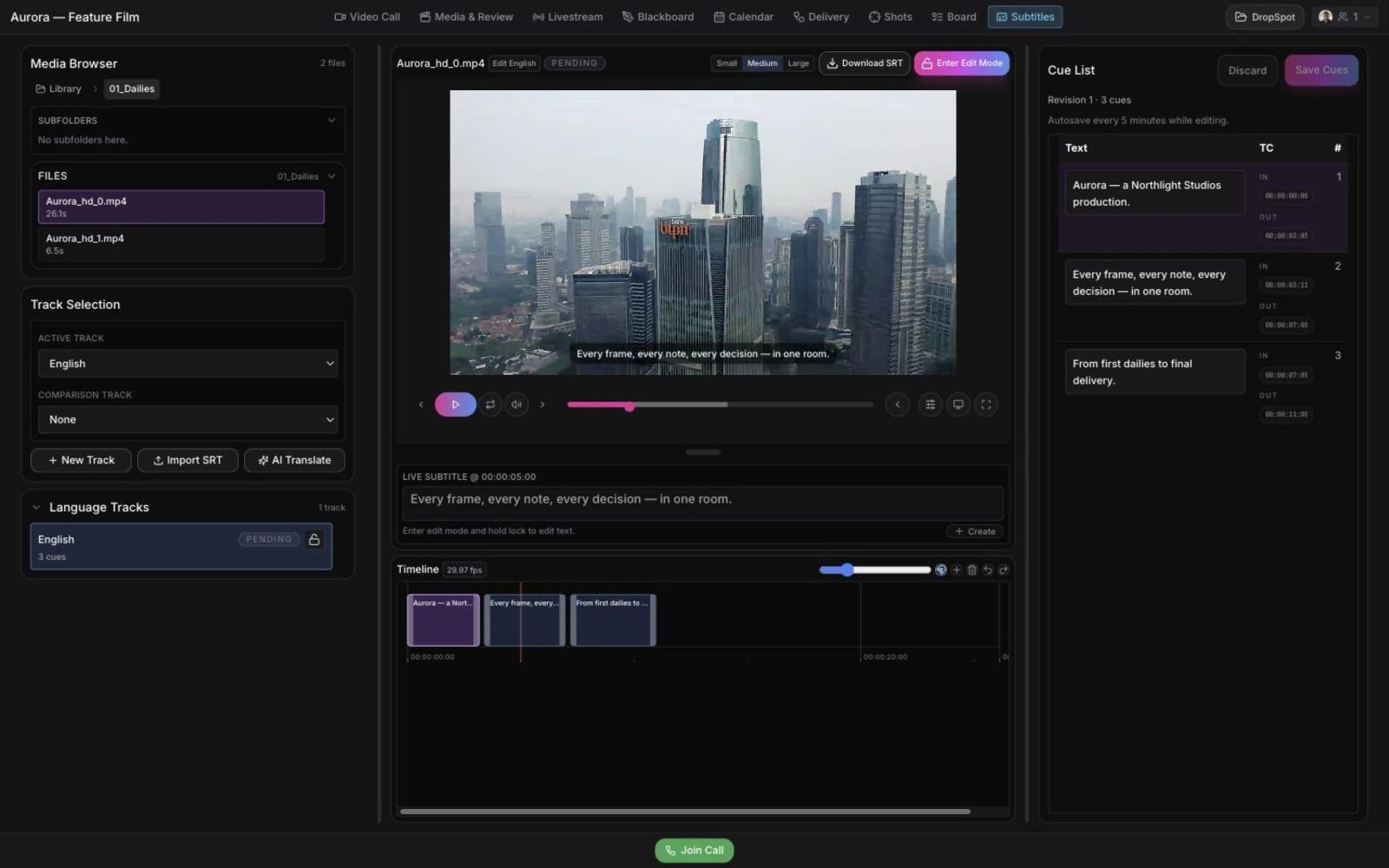
- Subtitles and deeper technical review
Technical Teams
Pipeline-ready when the production needs it.
Bring in Shot Tracker, API and MCP access, SRT/WHIP ingest, HEVC 10-bit, and Nuke/Hiero tooling when the work gets serious.
- API and MCP access for your pipeline
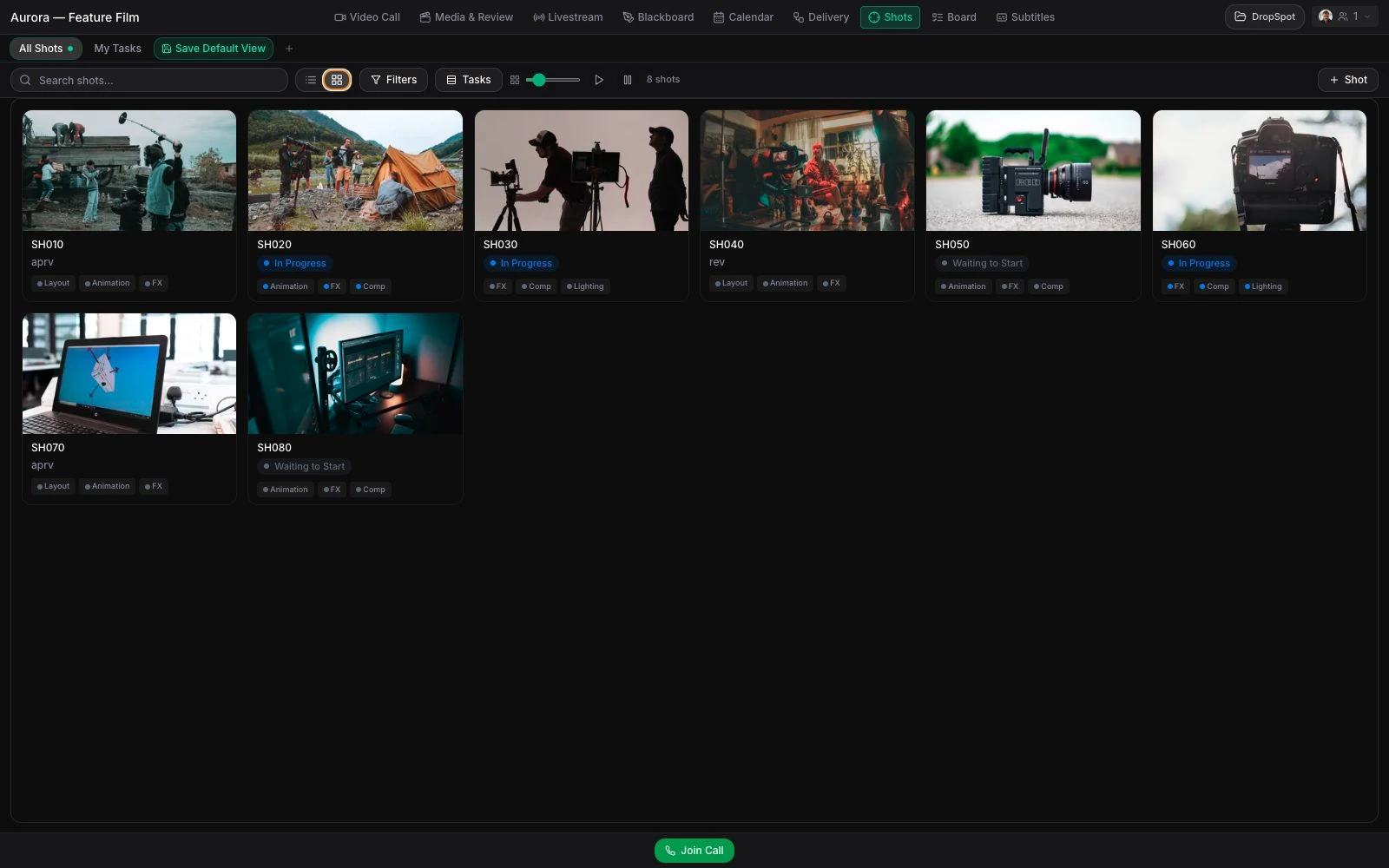
- Shot Tracker from brief to delivery
- EU-hosted Mistral assistance for repetitive production work
- SRT/WHIP ingest and HEVC 10-bit streams
- Nuke and Hiero tooling
- SSO, audit logs, and SLAs when Business needs them
Mistral AI · EU-hosted
A practical helper for the room.
Optional assistance for meeting notes, subtitles, and delivery. Availability varies by feature and plan; the roadmap explains what is live and what is still in development.
Roomy, your project helper
Roomy is in progress: organize rooms, prepare share links, answer technical and support questions, and turn bug reports or feature requests into useful tickets.
Meetings become useful notes
Turn meeting recordings into transcripts, concise summaries, decisions, owners, and next steps instead of another file nobody revisits.
Delivery and language automation
Interpret delivery instructions, help route approved finals, and build subtitle, transcription, and translation workflows inside the room.
AI is optional, account-wide.
One switch turns every managed AI feature off. Business and enterprise deployments can also bring their own LLM and S3-compatible storage.
Security and trust
Secure by default. Deeper control when you need it.
Every plan gets private rooms and permissions you control. Business adds SSO/SAML, audit logs, SLAs, custom API/MCP, bring-your-own LLM and S3-compatible storage, and infrastructure review for procurement-heavy teams. Managed AI runs through Mistral’s EU-hosted profile and can be disabled with one account-level switch.
Built in Hamburg, Germany
EU-hosted core infrastructure
Managed AI from Mistral on the EU-hosted profile
One switch disables every managed AI feature
Share Links with permissions you choose
Private rooms and invitations you approve
Livestream Pro Pass for sensitive sessions
Business security and procurement path
Plans for your production
Start with one room. Grow from there.
Choose by active rooms, team members, and storage. Clients and reviewers join as guests without a paid seat.
Get started
Bring your next review into one room.
Request beta access. We’ll review your request and help you set up a room for your production.
Questions? Write us at info@remoteroom.io — a human reads it.